
Contents
Software tools do not last forever. Whether you run a small business, manage website technical health, or write code, relying on software that gets officially retired causes major disruptions. Looking for free alternatives? Two long-standing developer choices: Microsoft's IIS Search Engine Optimization (SEO) Toolkit and GitHub's Atom text editor: have both reached end-of-life. Official downloads are offline, updates have stopped, and legacy links across the web point to dead ends.
If you relied on either tool or found a reference to them in an older guide, you do not need expensive enterprise software to replace them. In our technical work at Swift Web Design, we regularly evaluate development tools to keep workflows fast and secure. This guide breaks down the top free alternatives available today for website auditing and code editing.
Key takeaways
- Microsoft's IIS SEO Toolkit is retired: The server-side crawler is no longer supported or downloadable, but desktop crawlers like Screaming Frog and cloud tools like Google Search Console offer superior free alternatives for analysis.
- Atom Editor reached end-of-life in December 2022: GitHub archived the editor, but VS Code, Pulsar (the direct community fork), and lightweight options like Notepad++ easily fill the gap.
- Modern free tools do more: Current alternatives provide faster performance, active security updates, and modern web standards support without requiring paid subscriptions.
- Select tools based on skill level: Beginners benefit from cloud dashboard reports like Google Search Console, while technical users can leverage deep desktop crawlers and customisable code environments.
Free Alternatives to Microsoft's SEO Toolkit
For years, Microsoft's IIS Search Engine Optimization Toolkit was a popular free utility for Windows server administrators. Integrated into IIS Manager, it allowed site owners to crawl pages, find broken links, check canonical tags, and audit basic page structure.
Microsoft officially retired the SEO Toolkit alongside older IIS server extensions, and official download links are offline. Running legacy server extensions poses security risks on modern operating systems. Fortunately, modern website auditing tools offer deeper diagnostic capabilities than the old IIS plugin ever provided.
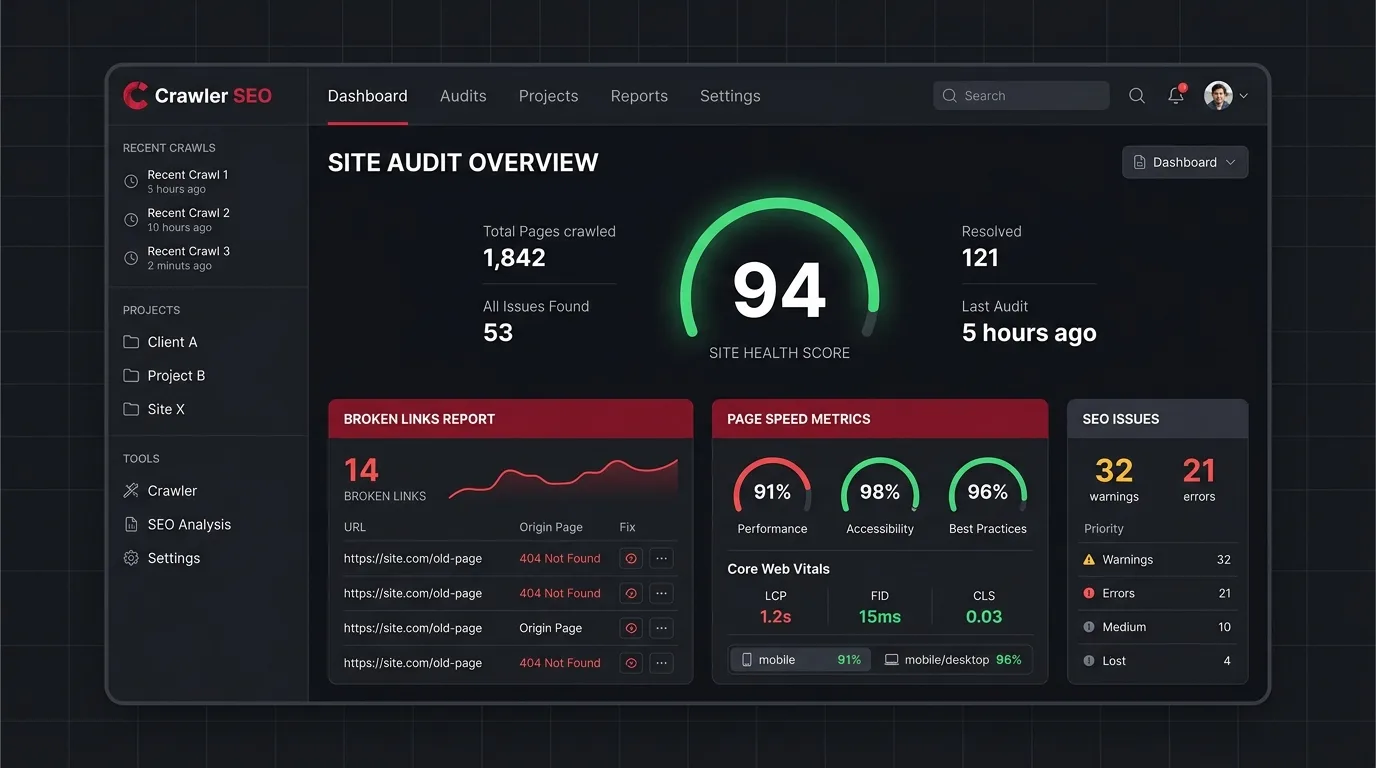
Here are the best free alternatives for crawling and auditing your website:
1. Screaming Frog SEO Spider (Free Version)
What it does: Screaming Frog SEO Spider is an industry-standard desktop website crawler. It installs on Windows, macOS, or Linux, crawling your site URLs to highlight broken links, duplicate content, missing title tags, redirect loops, and heavy image files. It is one of the most reliable free alternatives for desktop technical crawling.
Who it is best for: Technical users, developers, and SEO specialists who want a fast technical audit similar to the desktop crawling style of Microsoft's old toolkit. The free version allows crawling up to 500 URLs per website, which covers most small business sites.
2. Google Search Console (100% Free)
What it does: Provided directly by Google, Google Search Console is Google's direct report on how search bots index your website. It flags indexing errors, mobile usability issues, Core Web Vitals performance warnings, and security flaws, while listing exact search terms visitors use to find your site.
Who it is best for: Every website owner. If you use only one tool to monitor site health, Search Console is essential. Our complete guide to website SEO covers how to configure Search Console alongside your main marketing efforts.
3. Ahrefs Webmaster Tools & Ubersuggest (Free Tiers)
What it does: Cloud-based SEO suites that offer free site audit reports for verified domain owners. Once verified, these services run automated cloud crawls, generating visual dashboards that score technical site health and flag broken internal links.
Who it is best for: Small business owners and marketers who prefer visual reports with clear fix recommendations over raw data tables. If you are working through basic fixes, combining these with our list of 5 essential on-page SEO techniques helps resolve issues quickly.
4. Sitebulb (Free Trial & Audit Features)
What it does: Sitebulb is a desktop website audit tool that converts raw crawl data into plain-English explanations and visual diagnostic charts. It explains why a technical issue matters and provides prioritised instructions to fix it.
Who it is best for: Web designers and agency teams needing clear technical audits presented in client-ready formats. It provides clear context, similar to the steps outlined in our top technical SEO fixes guide.
Free Alternatives to Atom Text Editor
Launched by GitHub in 2014, Atom earned a large user base as an open-source text editor built on Electron. Atom introduced deep UI customisability, built-in Git integration, custom colour themes, and a community package ecosystem. Today, developers looking for free alternatives have several great options.
In December 2022, GitHub officially archived the Atom repository and sunset the project to focus on Visual Studio Code. While legacy installer files exist on third-party archives, unmaintained code editors miss security updates and lack support for modern web standards. Switching to an actively maintained editor is essential.
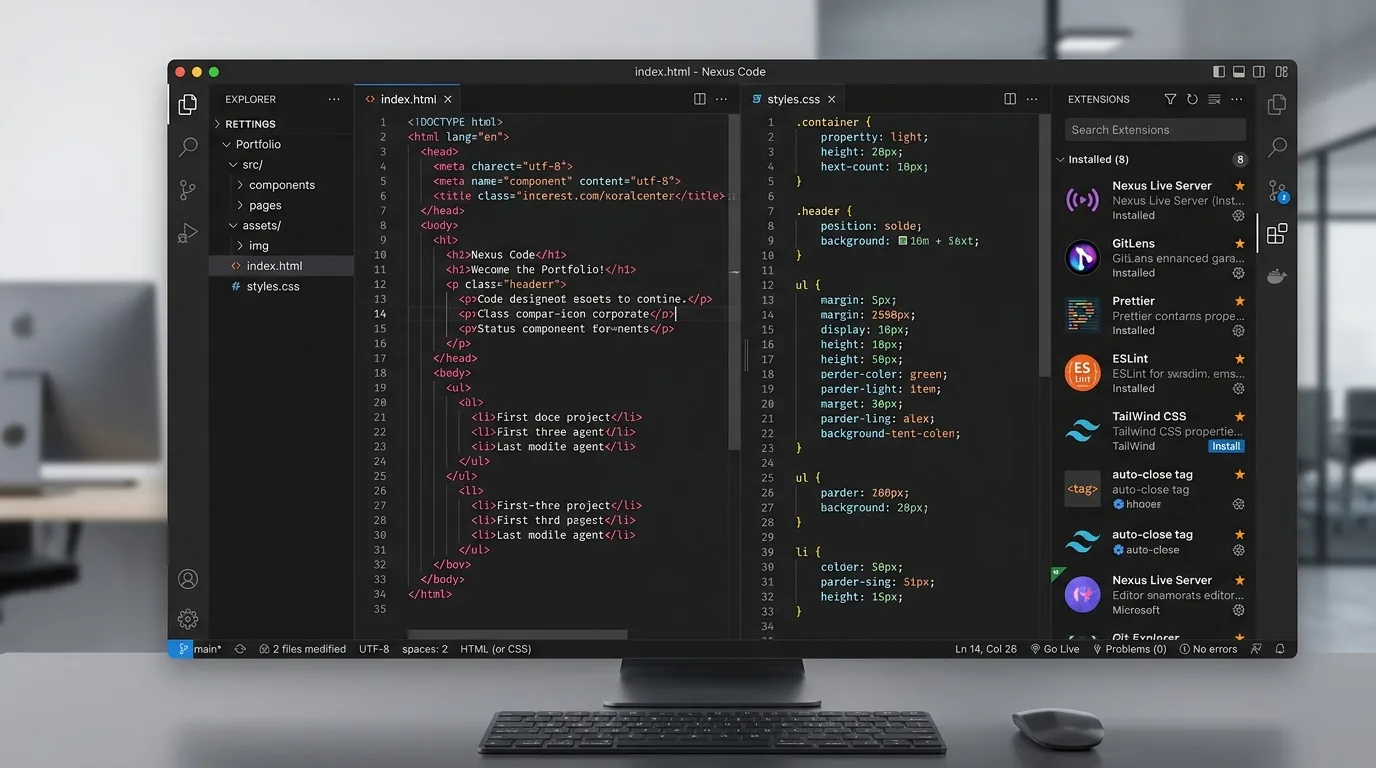
Here are the top free alternatives and code editors available today:
1. Visual Studio Code (VS Code): 100% Free
What it does: Developed by Microsoft, Visual Studio Code is the most popular code editor available today. Like Atom, it is built on Electron and offers an extensive extension marketplace, themes, integrated Git controls, a built-in terminal, and fast execution.
Why it is the natural replacement: VS Code adopted the primary features that made Atom popular while delivering faster load times and lower RAM usage. If you liked Atom's keyboard shortcuts and UI themes, VS Code offers one-click migration extensions that replicate Atom's look and shortcuts.
2. Pulsar: 100% Free & Open Source
What it does: Pulsar is the direct community-driven continuation of Atom. When GitHub announced Atom's sunset, community developers forked the codebase to keep the editor updated and independent.
Why it is the natural replacement: If you specifically miss Atom's exact architecture, Pulsar retains full compatibility with legacy Atom packages, themes, and configuration files while updating core dependencies for modern systems.
3. Sublime Text (Free Evaluation with No Time Limit)
What it does: Sublime Text is a lightweight, fast code editor known for instant startup times, low system resource usage, and multi-cursor editing controls.
Why it is worth considering: While commercial software, Sublime Text provides a fully functional, non-expiring evaluation period. If Atom felt slow on your computer, Sublime Text delivers a fast editing experience that starts instantly on any system.
4. Notepad++: 100% Free & Open Source (Windows)
What it does: A classic, lightweight Windows source code editor. Built in C++, it uses minimal CPU and memory while supporting syntax highlighting for dozens of languages, regex search, and plugin extensions.
Why it is worth considering: For quick file edits, configuration changes, or HTML and CSS updates, Notepad++ offers exceptional speed. It lacks the modern interface of VS Code, but it runs smoothly regardless of file size.
Feature Comparison: Retired Tools vs Modern Alternatives
This comparison table summarises how the top free alternatives compare in features, target user base, and primary strengths:
| Tool Name | Category | Cost Model | Best Suited For | Primary Advantage |
|---|---|---|---|---|
| Screaming Frog | SEO Crawler | Free (up to 500 URLs) | Technical Users & Developers | Fast desktop crawling & broken link discovery |
| Google Search Console | SEO Monitoring | 100% Free | All Website Owners | Direct indexing & performance data from Google |
| VS Code | Code Editor | 100% Free | Web Developers & Designers | Vast extension ecosystem & active updates |
| Pulsar | Code Editor | 100% Free & Open Source | Former Atom Users | Direct community fork supporting Atom packages |
Choosing the Right Replacement Tools
Replacing software from your workflow takes a short adjustment period, but current free alternatives run faster, offer better security, and support modern web features:
- For website health checks: Pair Google Search Console for indexing monitoring with the free tier of Screaming Frog for technical link audits.
- For code editing: Switch to VS Code for complete feature parity, or install Pulsar to keep your existing Atom environment.
When updating your website codebase or fixing technical issues found during an audit, ensuring your pages load quickly and display properly builds trust with potential clients. Read our guide on why professional website design matters or view our web design services if you want our team to manage technical updates for you.
Frequently Asked Questions
Can I still download and use Microsoft's IIS SEO Toolkit or Atom?
Unofficial third-party download mirrors still host legacy installers for both tools, but running them is unsafe. Outdated software lacks critical security updates, fails to support modern web standards like HTTPS or modern HTML specs, and introduces vulnerabilities to your workstation or server.
Is VS Code completely free to use for commercial projects?
Yes. Microsoft provides Visual Studio Code as a free download under a standard license for both personal and commercial projects. The core source code is also open-source via the VSCodium project if you prefer a build without telemetry.
Do I need technical crawling tools if my website is small?
For small sites under 20 pages, Google Search Console combined with manual checks is sufficient. Running a quick crawl with a free desktop tool like Screaming Frog is the fastest way to discover broken internal links, missing alt text, or 404 errors.
Need a website that works this hard?
We design fast, findable websites for UK small businesses. Clear pricing, no jargon.