Contents
Six months after launch, a client's contact form quietly stopped sending emails. Nobody noticed for three weeks. The plugin handling submissions had an annual licence, it had expired, and the site kept accepting enquiries it was never actually delivering. Whoever was supposed to be filling in that form assumed silence meant "not interested" and went elsewhere. That's not a rare story. It's what maintenance is actually protecting you from, and it's the part most people never budget for when they're pricing up a website.
Why the bill always seems to arrive later than expected
Building a website is a one-off job. Keeping it working isn't. Software updates, security patches, backups, and the dozen small things that quietly break over a year don't stop just because the invoice for the build has been paid. Most business owners aren't told this upfront, not because anyone's hiding it, but because the build is the exciting bit and maintenance sounds like an afterthought. It isn't. A site that nobody's watching degrades the same way anything unmaintained does: slowly, then all at once, usually right when a customer's trying to get in touch.
This is why so many people searching for website maintenance packages are doing it reactively, after something's already gone wrong, rather than sorting it out before launch. Both routes end up in the same place. One of them just costs more and involves a period where the site was quietly failing without anyone knowing.
What maintenance actually covers, and what it doesn't
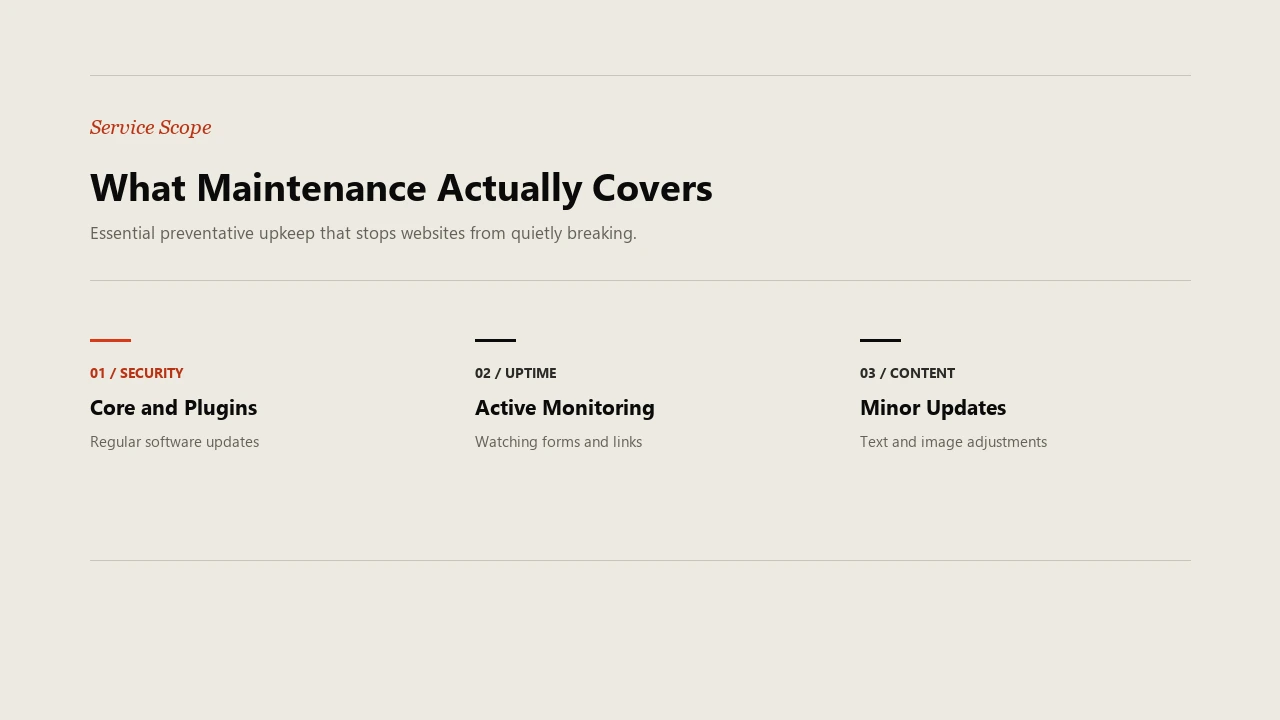
Genuine ongoing maintenance means someone is watching for problems before they become customer-facing ones. That's core software updates, security patches, uptime monitoring, and minor content changes when you need something swapped or added. It's not a redesign, and it's not a new page every month, those are separate jobs with their own cost.
Most small business sites run on WordPress with a handful of plugins doing the actual work, contact forms, image optimisation, caching, and so on. Every one of those plugins gets updated by its own developer, on its own schedule, and WordPress itself pushes core updates too. Left alone, they drift out of sync. A plugin built for an older version of WordPress can silently break when the core updates around it, which is exactly the kind of fault that looks fine on the surface and only shows up when a customer tries to use the thing that's actually broken.
What gets sold as "maintenance" varies a lot between providers, which is exactly why the confusion exists. Some agencies bundle hosting and nothing else under that word. Others include content changes, others don't. The only way to know what you're actually paying for is to ask what's included versus billed separately, before you sign anything.
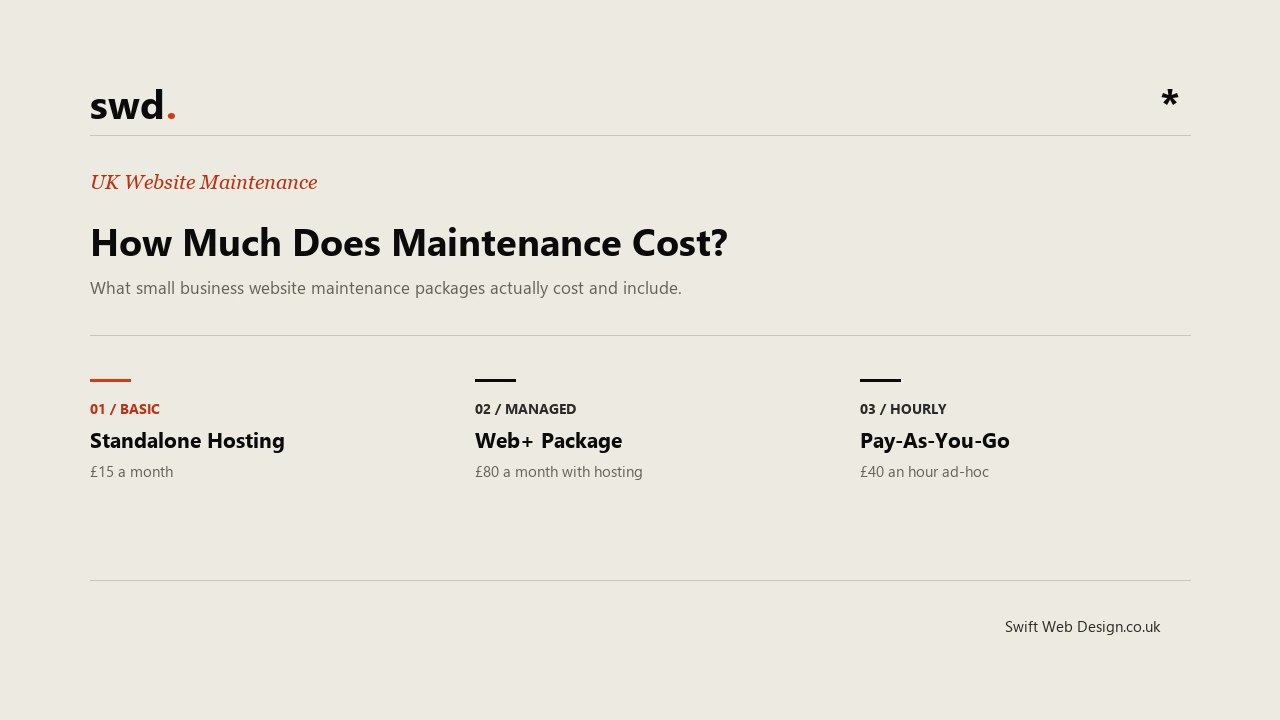
We run this as Web+: ongoing website management and minor updates, basic SEO maintenance, and your hosting fee waived as part of the plan. It's £80 a month, on a 2-month minimum contract that then rolls monthly, and a week's notice is all it takes to cancel. If content is part of what you need too, Content+ adds one fully optimised 1,000-word blog post a month for £120, and the two combine with SEO+ into a bundled plan at £220 a month rather than paying for each separately.
What a fair monthly cost actually looks like
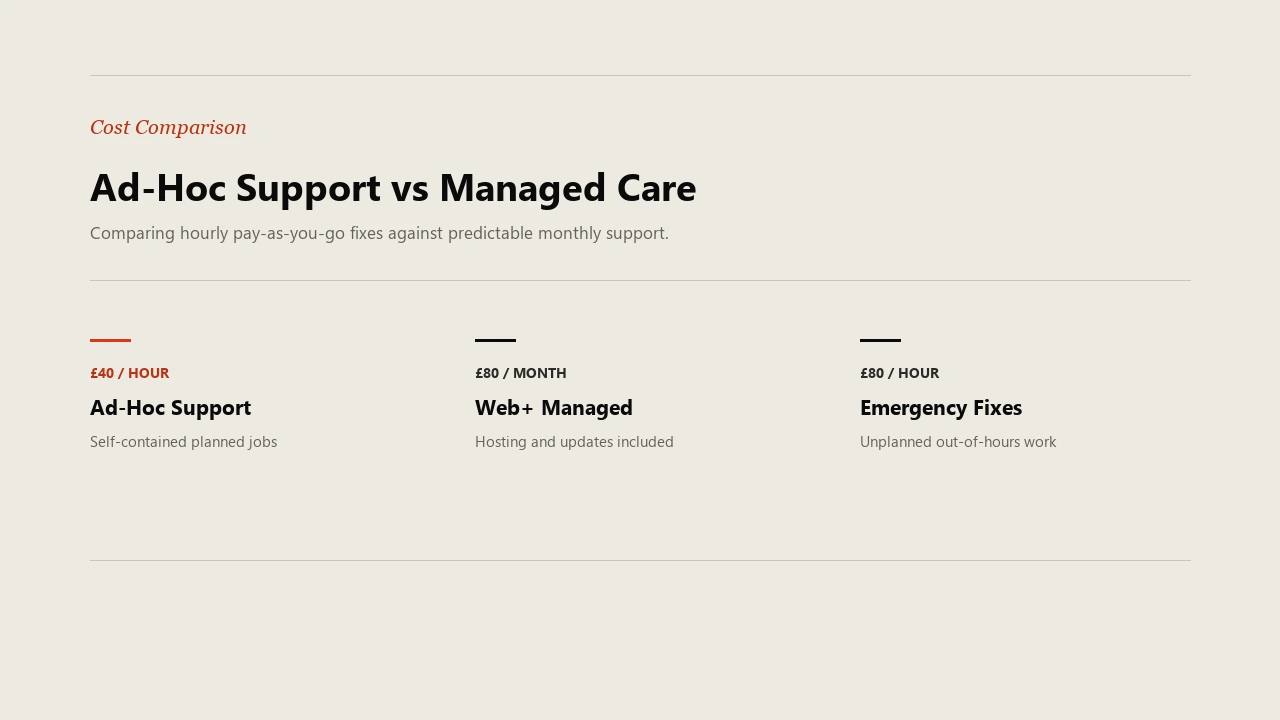
Not every business needs a monthly plan. If your site barely changes and you're comfortable calling someone only when something breaks, pay-as-you-go can genuinely work out cheaper, ours is £40 an hour for single, self-contained jobs. The maths tips the other way once you're asking for changes more than once or twice a quarter, or once you factor in that an emergency, out-of-hours fix costs more than a scheduled one, £80 an hour rather than £40, precisely because it's unplanned and outside normal working hours.
A plan earns its cost when it's replacing several separate bills you'd otherwise be paying anyway, hosting, the odd update, someone checking things haven't quietly broken, and turning them into one predictable monthly figure instead of a surprise every few months. It's also worth checking what smaller add-ons cost outside a plan. Something as simple as a monthly analytics report can run to £25 a month on its own if you'd otherwise need it separately, which is the sort of small extra that makes a bundled plan look more reasonable once you add it up properly rather than comparing one number against another.
How to tell if a maintenance plan is actually worth it
Before agreeing to any ongoing plan, three questions tend to separate a genuine service from a subscription that does very little:
First, what's actually included month to month, and what counts as extra? A plan that's vague about this is usually vague on purpose. Second, is hosting part of the price, or a separate line item on top? Bundled hosting is a real saving when the plan's otherwise fairly priced. If it isn't, the "free hosting" is doing the work of padding the number rather than saving you anything. Third, what happens if you want to leave? A fair provider tells you the notice period upfront rather than burying it in terms you'll only read once you're trying to get out.
If a provider can answer all three plainly, without circling back to "it depends" more than once, that's usually a good sign. If they can't, the plan is probably doing less than the price suggests, and you're better off finding out before the contact form breaks than after.
Need a website that works this hard?
We design fast, findable websites for UK small businesses. Clear pricing, no jargon.